
 it
it  es
es  pt
pt  hu
hu  de
de 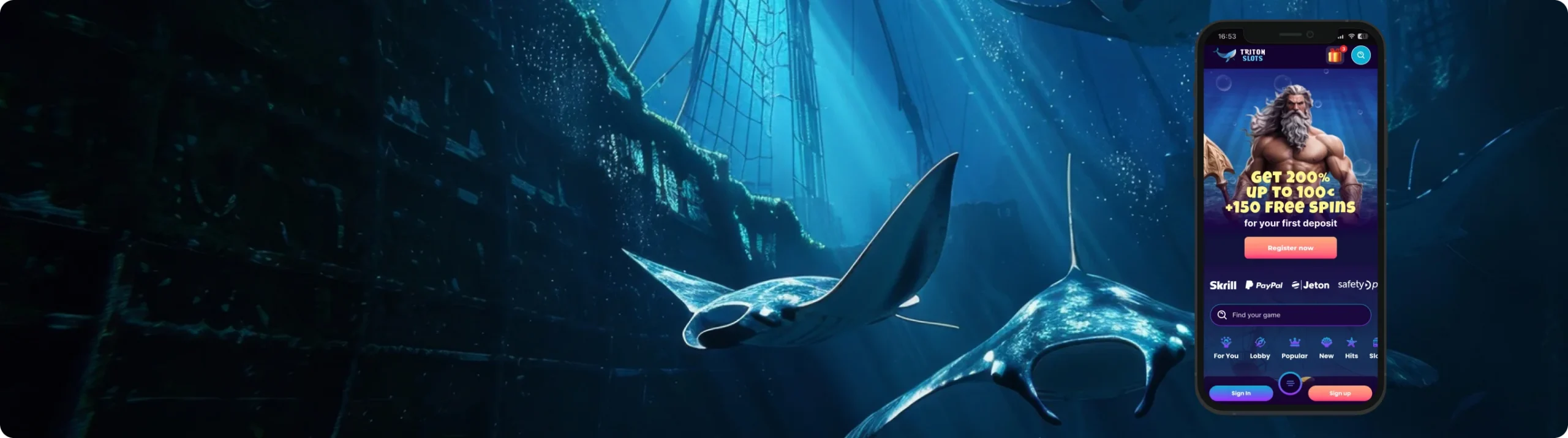
Triton Slots App: Install on iOS and Android
Sign UpIf you’ve ever downloaded a casino app that felt more like an ad launcher than a real platform, you’ll appreciate Triton Slot’s approach to mobile betting. There’s no flashy animation or bloated design. You just open the site, log in, and everything’s right there, whether you’re using a browser or the APK.
We tried the Triton Slots app and mobile site across iOS and Android in early 2025. Played a few slots, claimed bonuses, tested withdrawals, and even switched between Wi-Fi and 4G just to see if it could handle it. It held up surprisingly well.



General Information About the App
The Triton Slots mobile app is not on the App Store or Google Play–and that’s not a bug, it’s by design. Like many casinos operating under Curaçao licensing with crypto support, Triton skips public app stores and instead offers two solid options:
- A downloadable APK file
- A mobile browser experience for iOS and Android, which behaves almost exactly like a native app
If you’re used to installing apps with one tap from a store, this might sound inconvenient, but in practice, the setup is fast and secure. Plus, you won’t be dealing with forced updates or unnecessary tracking permissions.
Both Apple and Google have strict restrictions for real-money gambling apps. Even when casinos do get listed, they’re often geo-locked, stripped-down, or subject to removal. Rather than deal with that, Triton provides its own APK and optimizes the browser experience instead, so you get full functionality regardless of region.
Even though Triton doesn’t offer a store-listed app, everything still runs like one. You’ve got full access to the platform–slots, tables, live games, payments, and support.
Here’s what worked well during our tests:
- We played over 20 slots and 4 live dealer games. Everything loaded fast and stayed stable
- Deposit and withdrawal tools worked on mobile just like they do on desktop
- The interface responds fast to taps and swipes, with no weird layout bugs
- Bonus offers show up in the same spot, and claiming one takes about three seconds
There’s no junk cluttering the screen–no flashing sidebars, no autoplay trailers, and no “download our app” spam when you’re already on mobile. Navigation is clean, and pages load quickly on decent 5G. We saw no major lag even on older phones.
Mobile App for iOS
If you’re an iPhone user, you can download the Triton Slots iOS app directly from the official website. You can also use the site through your mobile browser, and it works identically to a native app. The Triton Slots app supports all games, promotions, and payments, and performs excellently on modern iPhones.
How to Download and Install
To install the app on your iPhone or iPad:
- Open the Settings app. Toggle your settings to allow apps from third-party developers
- Open your browser and go to tritonslots.com
- Go to the Download tab
- Tap the iOS option to download the app
The interface scales perfectly for iPhones and iPads. We tested it on iPhone 13 Pro, 14, and 15 Pro Max. There was no lag, and games loaded in 3 to 4 seconds on 5G.
System Requirements
The site performs best on:
- iOS 15+ — iPhone 13, 14, 15, SE (2nd/3rd)
- iPadOS 15+ — iPad 9th/10th Gen, iPad Air (2022)
Games ran cleanly, and all payment features worked without issues. No app store access needed!
Compatible Devices
Any Apple device running iOS 15 or later should work fine. We would avoid older models like the iPhone 7 or earlier, they are simply not fast enough for modern casino graphics.
Mobile App for Android
You can download the Triton Slots Android app directly from the official website via an APK file. There is no Google Play version, likely due to content restrictions, but the Triton Slots APK provides access and use to the platform’s full suite of features.
How to Download and Install
Here’s how to install the Triton APK:
- Visit tritonslots.com on your phone
- Tap “Download Triton Slots App”
- While the APK file is downloading, allow installation from unknown sources in your settings
- Tap the APK file and install
- Log in and start playing
The whole process takes 2 to 3 minutes, at most.
System Requirements
Most Android devices should be able to run the Triton Slots casino app smoothly. The newer the model, the better. But devices released in the past 5 years or so seem to work just fine.
Here’s what works best:
- Android 11+ — Samsung Galaxy S21/S22, Pixel 6+
- Android 12–13 — Galaxy A54, OnePlus 9, Xiaomi 12
The minimum RAM you’ll need is 4 GB, but we recommend 6 GB for seamless and optimized performance.
Compatible Devices
Any Android phone or tablet from 2021 onward should handle the APK well. Older devices like the Galaxy A20 or budget M-series phones may lag on high-graphic games.
Mobile Casino Games
Once installed (or opened in-browser), you get access to Triton Slots’ full game library. No stripped-down mobile version–explore the entire roster through your mobile device. That includes:
- Over 1,000 slots (from BGaming, Pragmatic, Betsoft, and more)
- Live casino streams via Evolution and Pragmatic Live
- Table games like blackjack and roulette
- New releases, tournaments, and limited promos
The interface uses swipe menus and categories, so you’re not stuck scrolling for 10 minutes. Game loading times were consistently under 5 seconds on 5G and Wi-Fi.
Mobile Website Version
If you don’t want to install anything, the mobile site is still a solid option. It mirrors the app layout with touch-optimized menus and supports everything, from registration to payments to bonus activation.
We tested the mobile browser version on:
- Safari (iPhone 15 Pro, 14 Plus)
- Chrome (Pixel 6, Galaxy S22, Xiaomi 12 Lite)
- Firefox (Samsung Tab S7)
All versions ran without crashing or misalignments. Live dealer games are streamed in 720p by default, but you can switch to HD if your data allows.
Sign UpCommon Questions
No, you’ll need to use the mobile site or download the Triton Slots app or APK directly from Triton’s website.
Yes. Transactions on the Triton Slots mobile app and mobile site are encrypted, just like on the desktop site. Just make sure you download the app and APK directly from the official website.